Accessibility permission required
MenuView needs macOS Accessibility permission so it can open hidden menu bar extras when you click them.

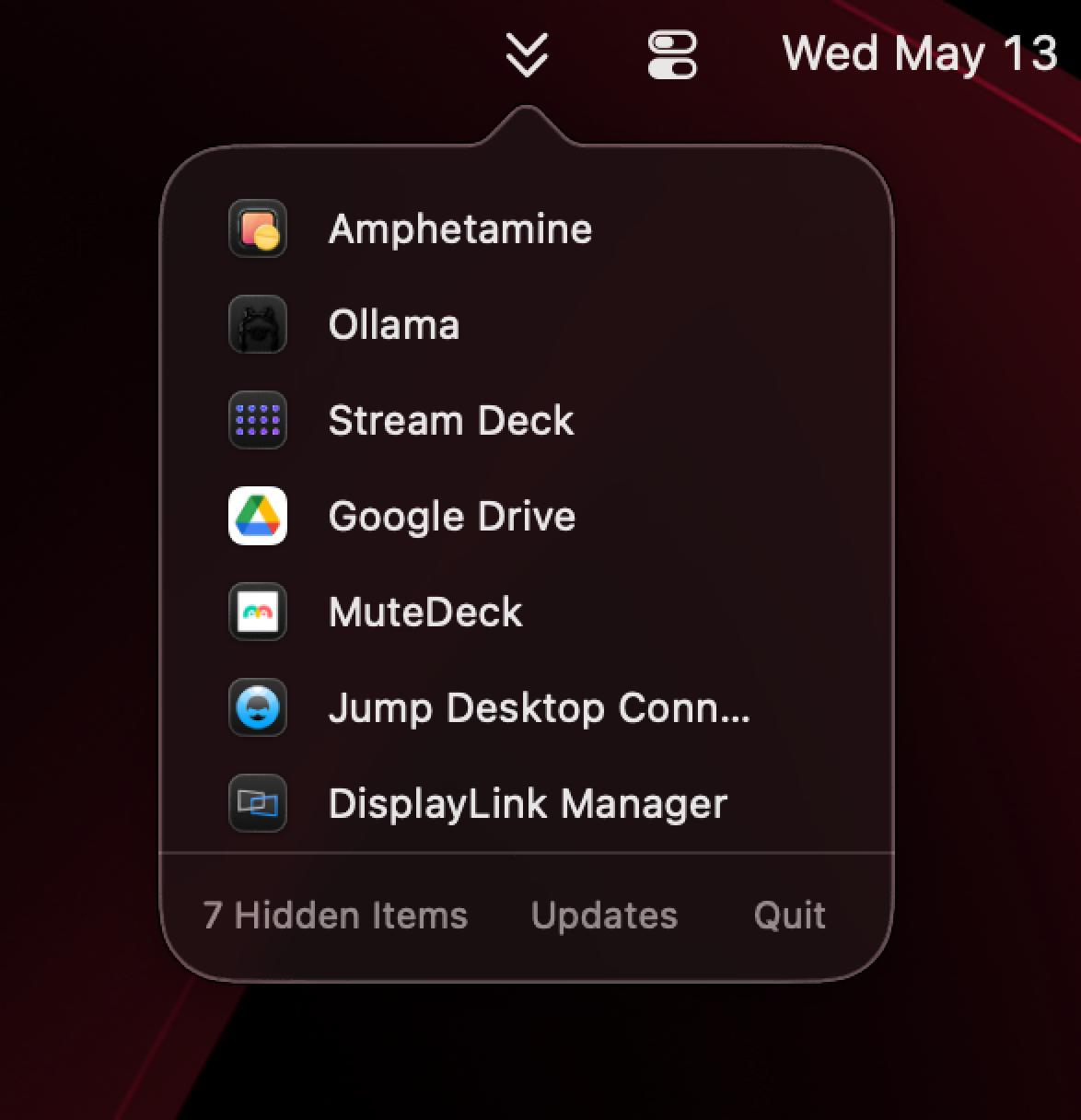
macOS Tahoe gave us new Menu Bar settings, called Menu Bar Controls to hide menu bar items, but no way to quickly access them if needed.
MenuView gives you one click that lists all running apps with hidden menu bar extras. Open MenuView, pick the hidden item, and it presses the menu bar extra for you.
MenuView does not provide any other advanced features found in other menu bar managers. It is deliberately small: show hidden running extras, open hidden running extras, get out of the way.
MenuView needs macOS Accessibility permission so it can open hidden menu bar extras when you click them.
If an app is not currently running, MenuView will not show it. It reveals hidden menu bar extras, not a Launchpad replacement (RIP).
Menus will open in odd places, often the top-left of the screen. macOS controls where things are parked. Look around, you'll find them.